Every save is kept as a Git commit, and AI helps you edit. A plain-text editor, with Markdown support.
Open a file in your GitHub repo, write, and save — all in the browser. No Git knowledge needed.
PlainHub doesn't store your files, and their contents never pass through PlainHub's servers.
PlainHub is a text editor for the files in your GitHub repositories, right in your browser.
| Category | Key features |
|---|---|
| Editor | Markdown preview, syntax highlighting, undo/redo, line numbers, keyboard shortcuts |
| Files | Create, rename, duplicate, delete; file history; sync and conflict resolution; image paste; search across repos |
| Integrations | CLI, MCP Server (Claude Code / Cursor), links that open a file directly, PWA (add to home screen) |
| Voice | Push-to-talk voice input, read-aloud for AI replies (1x to 3x) |
| Display | Dark and light themes, mobile layout, Focus Mode |
github.dev is a full-featured editor built for serious coding.
PlainHub is a notepad that saves to GitHub: open, write, save. They're for different jobs.
You can't tell which version is the latest, and there are too many tools
Keep them together in GitHub, with history saved automatically. Ask the AI to find things for you
You don't want to depend on a single service
Your files stay plain text in your own GitHub. Move to another tool whenever you like
No laptop, no dev environment
Edit and save from any browser, including on your phone
Your AI tools and your documents live in different places
The AI panel sits right inside the editor, so you can ask as you write
"How is auth implemented here?" "What did I work on last week?"
The AI reads the repo's files and commit history to answer
You're on the move or your hands are busy
Speak into the mic, and the AI reads its reply aloud
Other editors slow down after a few thousand lines
Edit files with tens of thousands of lines without lag
You can't tell who changed what, or when
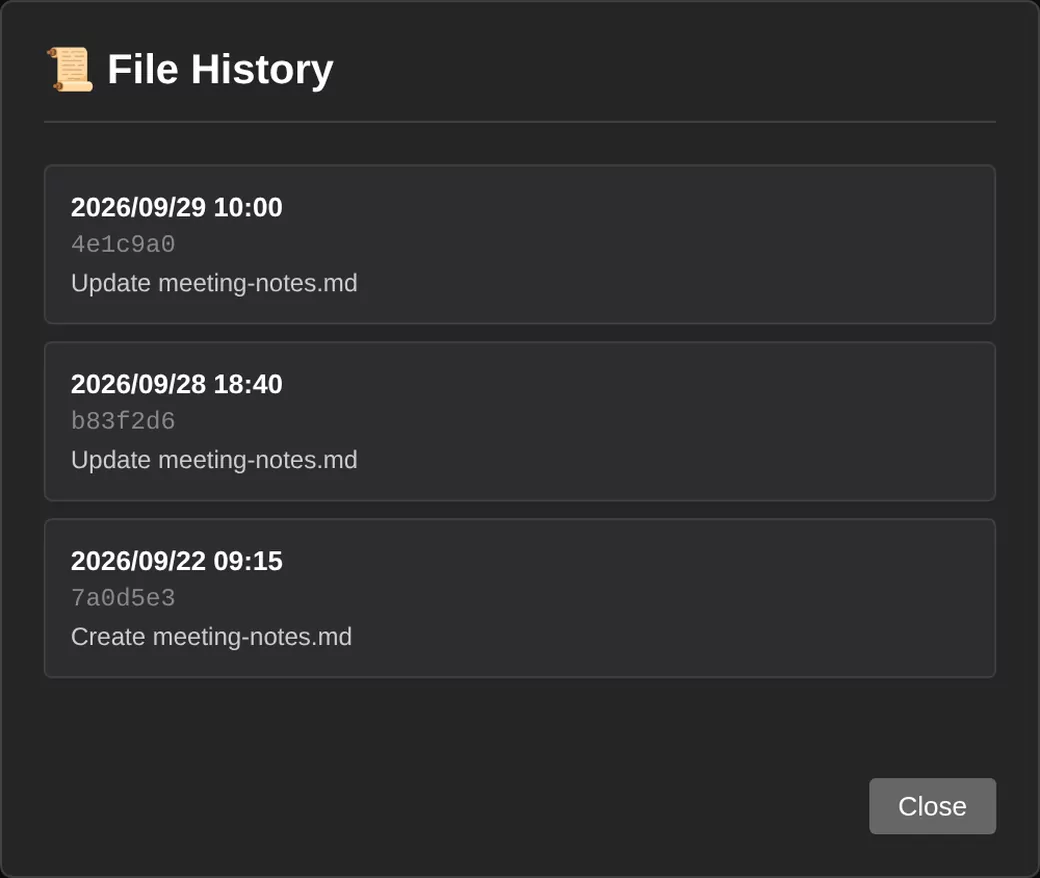
Every save is kept. Check the diff and restore an earlier version
Every save creates a Git commit, so without doing anything extra you get:
Tell the AI panel what you want in plain words, and it carries out the GitHub operation for you. No need to learn GitHub's interface.
| On GitHub, you would… | In PlainHub, just say |
|---|---|
| Open a repo and look for a file | Open README.md |
| Switch to another repository | Switch to design-docs |
| Create a new repository | Create a repo called my-notes |
| List your repositories | Show my repositories |
| Create a file and commit it | Create docs/memo.md |
| Open an issue | Create a bug report issue |
| Comment on an issue | Comment "fixed" on Issue #1 |
| Close an issue | Close Issue #1 |
| Edit a file and commit it | Make this paragraph shorter |
| Understand a repo's structure and history | How is auth implemented in this repo? |
| Ask by voice and listen to the reply | Hold the mic button and talk → the reply is read aloud |
| Change the theme or font size | Switch to dark mode |
An editor with AI built in, GitHub Issues integration, brainstorming, deploy integration, AI learning mode, and more.
Control the editor in plain words. Choose a model (Haiku / Sonnet / Opus) and use your own API key (BYOK).
Three views: Code, Preview, and Visual. Keyboard shortcuts and image paste.
Search across repositories, matching file names and contents at the same time.
CLI, MCP Server, gh CLI, and Claude Code. Use PlainHub from your terminal or AI tools.
Your files are saved only in your own GitHub repository. If you stop using PlainHub, they stay right where they are.
File contents never pass through PlainHub's servers. Your GitHub token is stored only in your browser or on your own computer.
What PlainHub records, why, and how long it's kept.
For individuals and teams, right now
For organizations planning a company-wide rollout
Everything in Free, plus these features, built to your requirements (contact us):
npm install -g plainhubplainhub auth --from-ghplainhub open README.md -r owner/reponpm install -g plainhubclaude mcp add plainhub -- plainhub-mcp